No. 04Expert Radiology
SaaS UX Design, Brief to Figma
Expert Radiology was building a cloud-based medical SaaS platform. Engineering had requirements but no UX flows. The product needed a full UX design pass before development could proceed.
I.
The problem
Engineering requirements existed in text form with no visual translation. Without UX flows and prototypes, developers were building blind, with no shared understanding of how users would move through the platform.
II.
Goals
- 01
Translate engineering requirements into interactive UX prototypes
- 02
Design core user flows for the medical platform
- 03
Deliver a handoff-ready prototype for development
- 04
Complete the full design cycle within 2 weeks
III.
Approach
- 1
Conducted requirements review sessions with engineering lead to clarify user needs and technical constraints
- 2
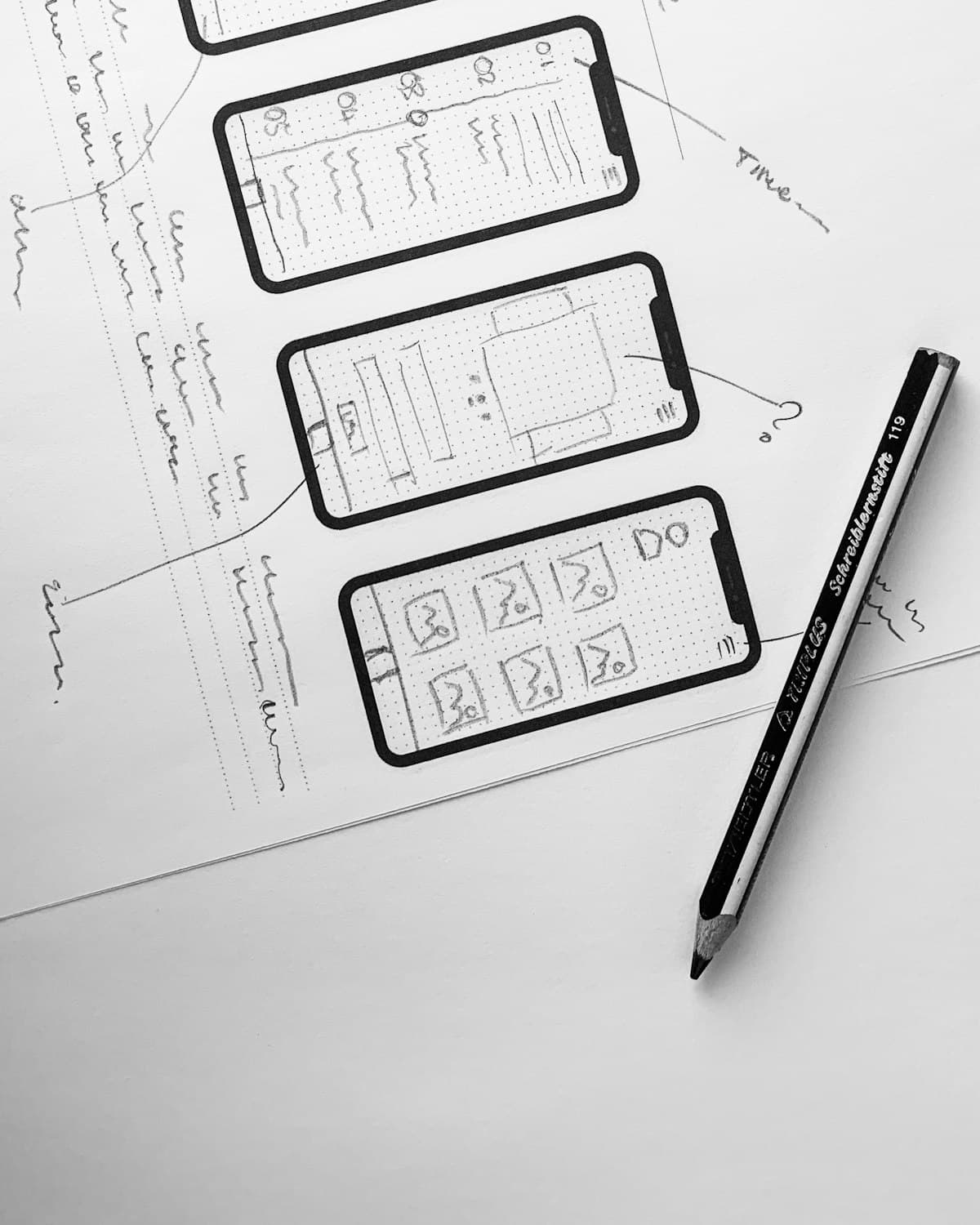
Mapped 4 core user flows: onboarding, study submission, review workflow, and reporting
- 3
Built wireframes in Figma for all screens, desktop-first with mobile considerations noted
- 4
Iterated through 2 rounds of feedback with stakeholders
- 5
Delivered interactive prototype with annotated handoff documentation in FigJam
IV.
Systems used
- Figma
- UX flows, wireframes, interactive prototypes, component library
- FigJam
- User flow mapping, stakeholder collaboration, annotation
- Notion
- Requirements documentation and feedback tracking
V.
Results
12
Screens, 2-week delivery
- 12 screens designed from brief to final prototype in 2 weeks
- Zero scope creep; delivered exactly to brief
- Prototype approved in first stakeholder review
- Development team began sprint planning immediately after handoff
Strategic takeaway
Moving fast on UX requires discipline before speed. Locking requirements before opening Figma, even for a day, prevents the expensive design rework that comes from building on shifting assumptions.